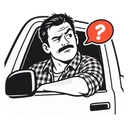
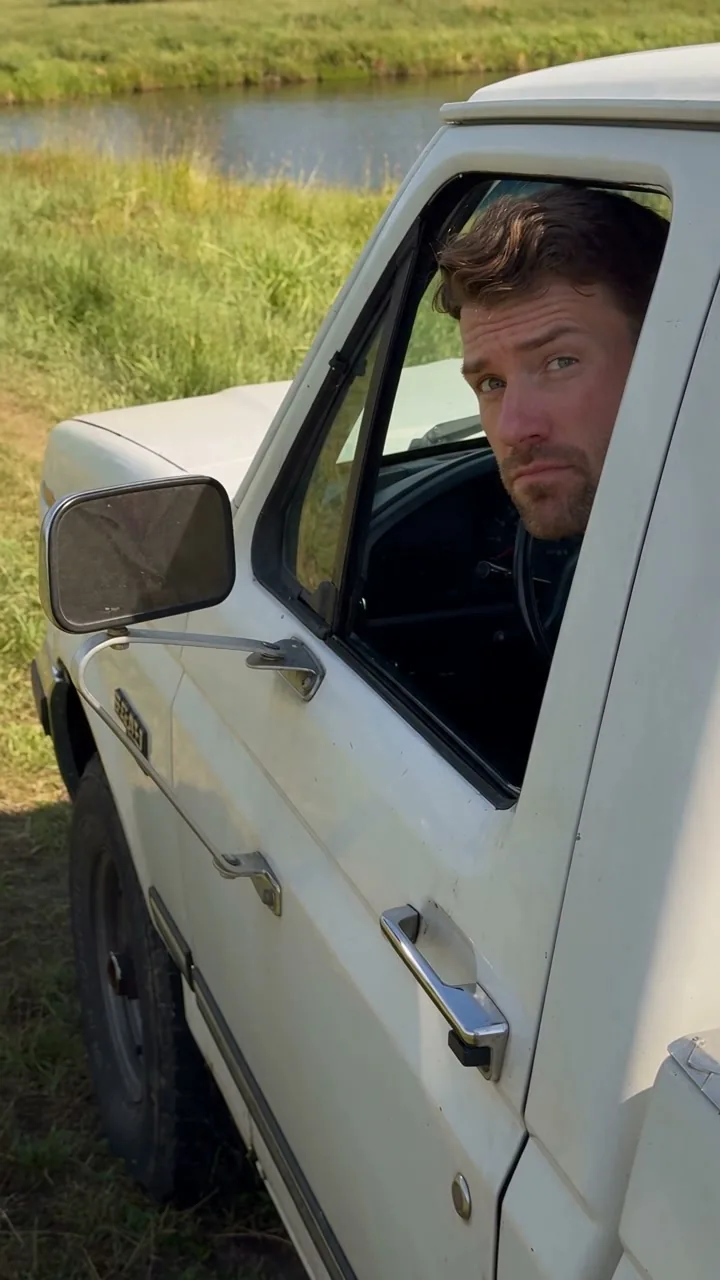
This Hit the Road Dude AI photo guide covers the human meme, portrait preparation, scene direction and planned video packs. Start here before choosing the photo for your own pickup reaction.
Some video ideas need a whole production. This one needs a look, a pause and a wonderfully blunt send-off. Hit the Road Dude AI is built around that small, recognizable moment: a human driver at a white pickup window, an unexpected visitor and a conversation that ends with somebody being told to move along.
The fun is putting yourself into that reaction. The product is designed to make that easy to start: upload a photo, keep the built-in scene, and let the included motion reference provide the structure. You can spend your time choosing the face and the joke instead of assembling a video workflow.
What is the original Hit the Road Dude meme?
The source clip shows a man in a white pickup talking to people fishing at a pond. The visitors think the spot is state property; his disbelief and eventual dismissal are what made the exchange recognizable. Later parodies changed the character and the setting, but the comic rhythm stayed familiar.
Our tool focuses on that human performance. Your uploaded photo becomes the appearance reference for a new driver. The included clip guides the movement and timing, while the AI generates a new take with original sound. This is a way to make your own parody, rather than a claim that you are watching or downloading the original recording.
How the photo-to-video workflow is designed to work
A general video studio can ask you to choose a model, build a prompt, attach the right reference and decide which settings belong together. For a single meme, that is a lot of setup before the enjoyable part starts.
Hit the Road Dude AI supplies a focused starting point. The pickup scene, the reaction direction, the motion reference and the standard output settings are already chosen. If you want the classic version, the main thing you need to decide is which authorized adult photo to use.
The simple starting point: one clear photo, the classic pickup setting and a new 15-second portrait reaction. Open the custom controls when you want to change the direction.
Photo tips for your Hit the Road Dude AI video
A good remake is personal. The face, hair, clothing and proportions in your source photo help define the driver’s appearance. Choose a clear image that looks like the version of yourself you want to see on screen. If you add more subject references, use photos of the same adult rather than introducing extra people.
This is also why the page keeps subject and location photos separate. Your portrait tells the AI who is in the scene; a location reference tells it where the scene should happen. Those are different creative decisions, and the interface gives each one a clear place.
Before you choose a portrait, check these four details:
- Face angle: a front or gentle three-quarter view keeps both eyes readable. Avoid a face hidden behind a phone or sunglasses.
- Lighting: face a window or another soft light source. Strong backlight can turn useful facial detail into a silhouette.
- Framing: leave a little room around the head and shoulders. A tightly cropped forehead or chin gives the model less context.
- Subject: use one consenting adult. Put the pickup location in the separate scene field, rather than combining several people and backgrounds into one portrait.
Plan the pickup scene and your own dialogue
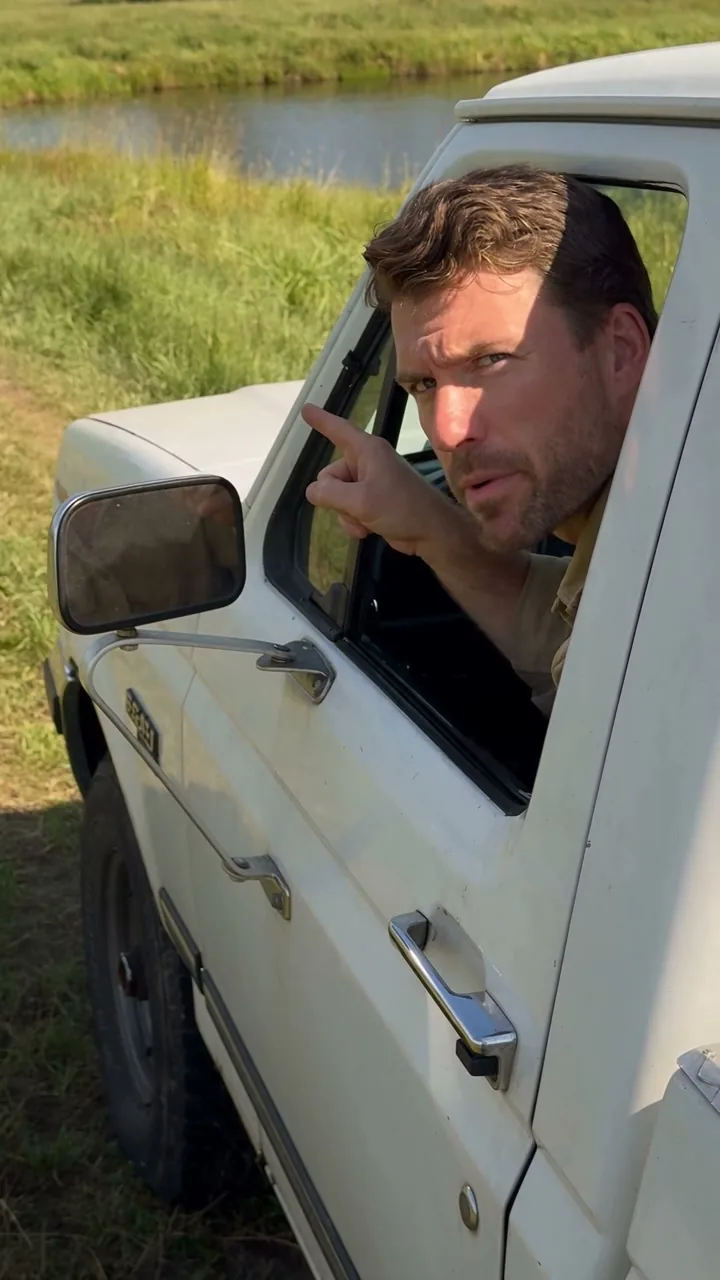
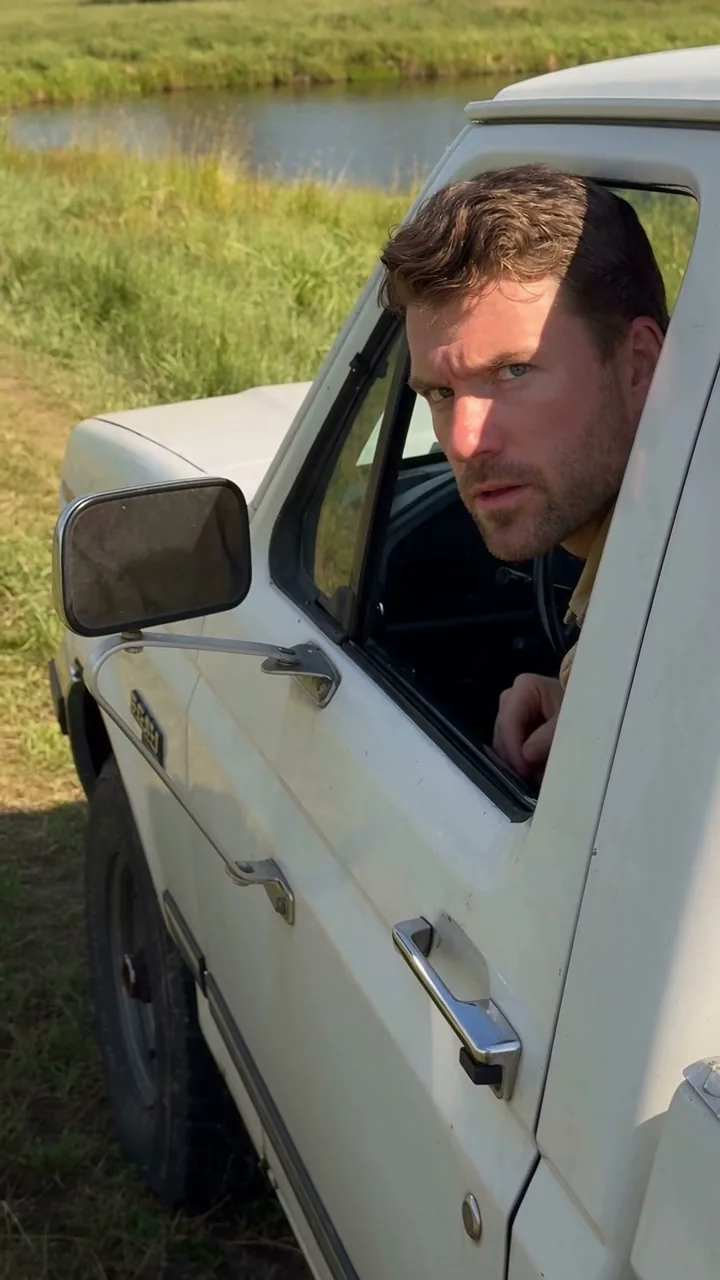
The familiar white pickup is a strong default because viewers can recognize the format quickly. Keeping it also gives you fewer decisions to make on your first attempt. A straightforward version is often the best place to learn how your photo works with the motion.
When you want another direction, add your own location photo, choose how it should influence the setting, or edit the scene direction and dialogue. The custom controls sit behind a simple disclosure, so you can begin with the easy path and explore more when the idea calls for it.
Short, readable directions are useful: keep the skeptical pause, give the driver a clear reason to object and end on one original line. Exact words and lip sync are generated, so review the entire result before sharing.
Planned video format: 15 seconds, 720p and sound
The standard output is a 15-second, native 720p, 9:16 portrait MP4 with generated sound. Every pack uses the same format. Buying a larger pack gives you more attempts; it does not quietly change the model quality or remove a feature from the smaller pack.
The existing preview lets you see the full motion reference with sound before you upload. The photo guide explains how to prepare your image. The generation view and My videos area make space for the status, the result and the actual download expiry, so the handoff is part of the workflow.
Compare one-time video packs and guest checkout
The planned service uses a one-time purchase model. Test Drive is $9.90 for one attempt, Road Trip is $24.90 for three, and Full Send is $39.90 for five. One standard attempt uses 100 credits, including photo preparation and the built-in motion reference. Packs do not automatically renew.
The planned guest checkout will let you buy without registering. It collects the details required for payment, and the confirmed purchase belongs to a private purchase wallet. Keep your receipt and recovery code so you can find the purchase again.
Failed or blocked tasks return their reserved credits. A completed video still counts as a take, even if your next idea is different. That clear distinction makes it easier to plan a few versions without treating every successful render as an unlimited retry.
Review your AI meme video before sharing
AI can change details between generations: faces, clothing, fingers, gestures, speech and timing may differ from your references. Clear photos and focused directions give you a useful starting point, but a review is still part of creating something you want to share.
That is the appeal of a focused tool: the setup is ready, the creative choices are understandable, and the central idea stays yours. Start with your photo, see how your version lands, and give your driver the last word.
Explore Hit the Road Dude AI ↗
Meme context: source TikTok post and Know Your Meme’s State Property entry. This article describes the proposed product workflow; exact generated output is not guaranteed.